

Tags: Challenges
It is likely that you are not seeing a challenge due to one of these reasons:
-
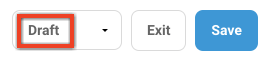
The challenge is still in draft mode. Change the dropdown to “Published” and click “Save.”
-
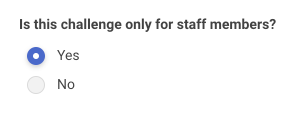
The challenge is in staff-only mode (under the “Challenge Setup” tab) and you are logged in with an account that does not have staff level access. Switch this setting to “No” and click “Save.”
-
You do not have a reader on your account that matches the ages/grade levels for the challenge you wish to test. Review these settings under “Challenge Availability” under the “Challenge Setup” tab.
Please check these three items and then refresh your browser. Also, remember that “reader view” does not mean that you are seeing someone else’s view. Rather, you are seeing the reader(s) attached to the account with which you are logged in.