

Tags: Setup
We have provided a set of default FAQs about Beanstack on your site, which you can customize in the admin view.
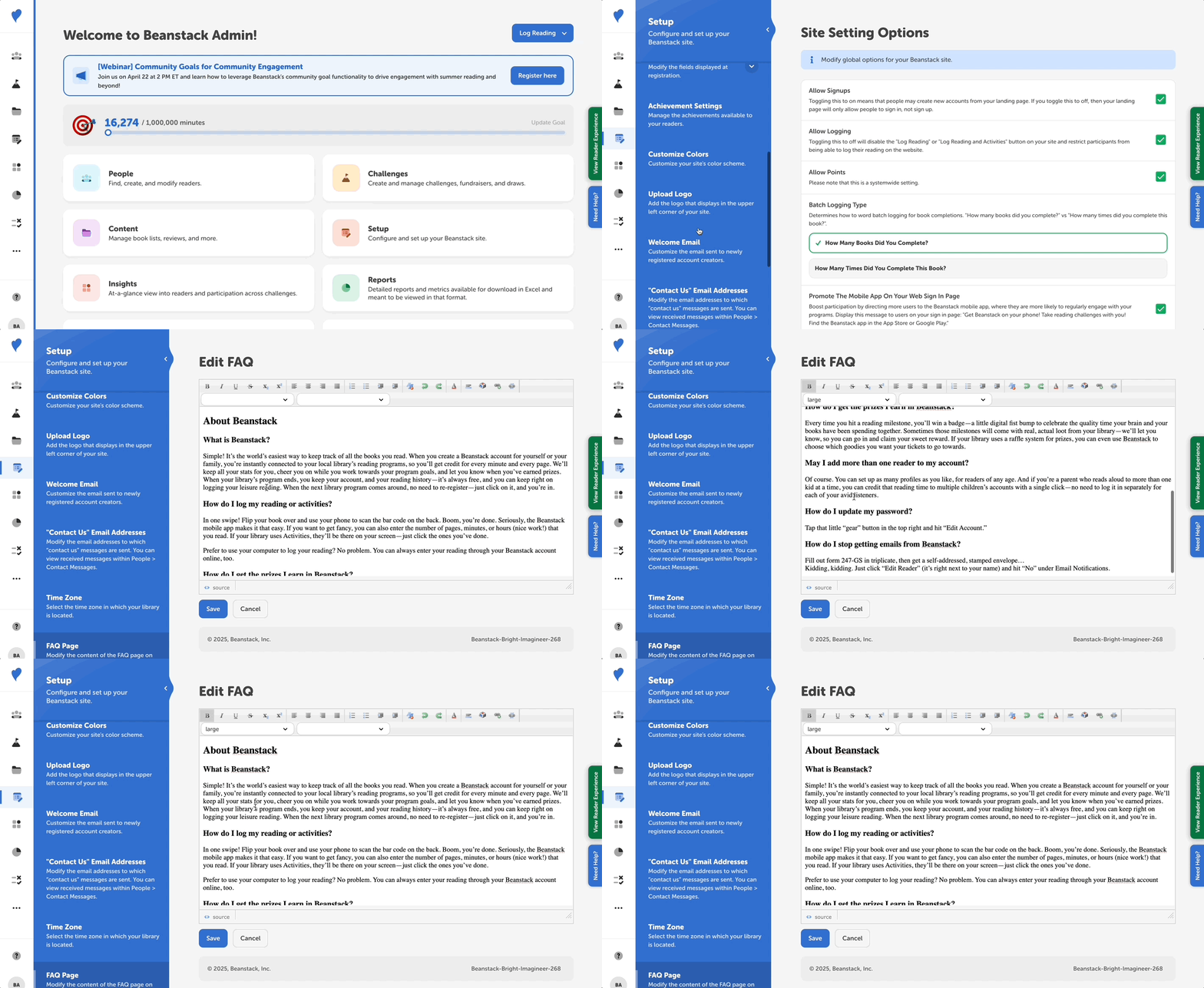 To update these defaults, take the following steps:
-
Log in to the admin view of your site.
-
Go to Setup > FAQ Page.
-
Revise the default content in the "Edit FAQ” editor with what’s specific for your site.
-
You an toggle between the HTML and rendered content with the button on the bottom left of the editor.
-
-
Click “Save.”
After saving, feel free to view your site’s FAQs page by switching to the reader view and clicking the “FAQ” link in the page footer.