

Tags: Libraries, Setup, Schools, Readers
Once you add all of your schools as registration options, they are automatically sorted into alphabetical order. Registering readers can begin to type in the name of their school, and the text in the box auto-populates based on what they type.
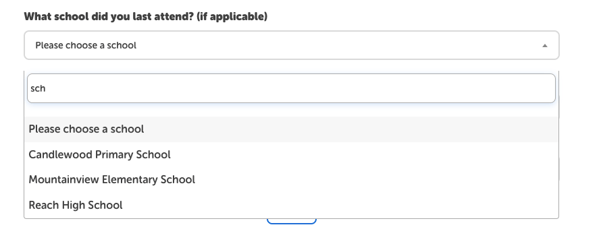
It is not possible to have an open text field for school. We recommend including options like, “Adult-Not Applicable,” “Homeschool,” and “Other” as options on your site if you require school to ensure that all readers have an applicable option to choose.