Tags: Reviews, Content, Libraries
For more content information, visit Beanstack for Everyone.
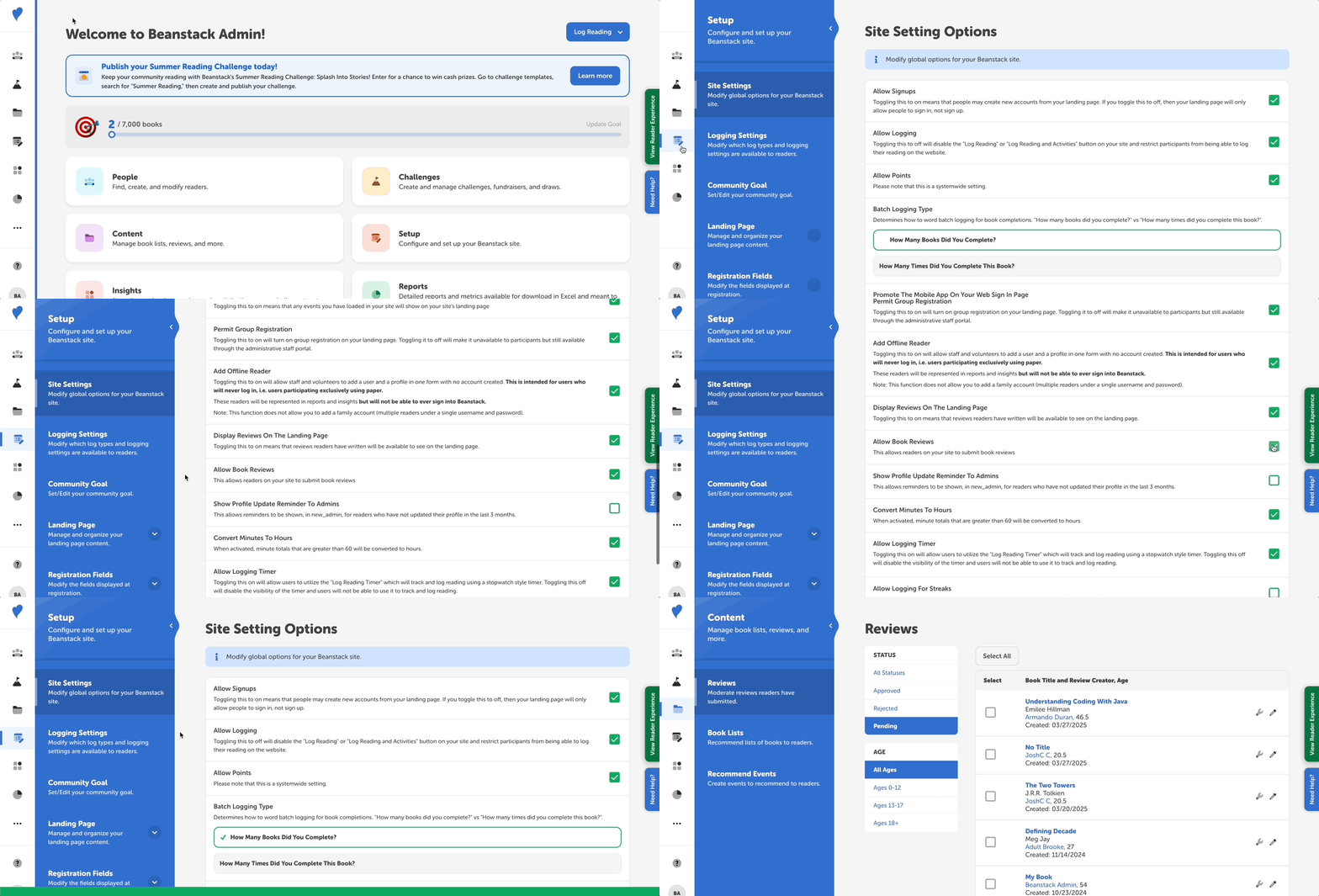
Follow these instructions to allow readers on your site to write reviews:
-
Log in to the admin view of your site.
-
Navigate to Setup > Site Settings.
-
Scroll down to “Allow Book Reviews” and check the box.
-
Click “Save.”
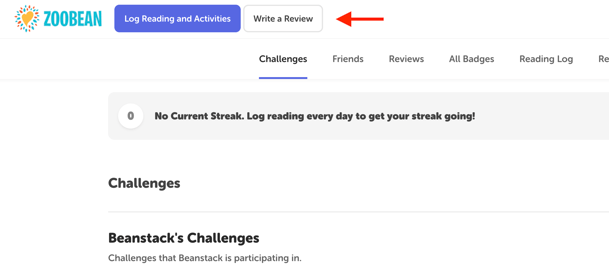
Now, a “Write a Review” button will appear near the top-left of the reader view: