

Tags: Libraries, Readers, Accounts
If you’re using a school Beanstack site and your school uses Clever or Classlink, passwords may never be reset as they are pre-determined by information within those programs.
Follow the instructions below to reset the password as a reader:
-
Navigate to your library’s Beanstack site.
-
Click “Sign In.”
-
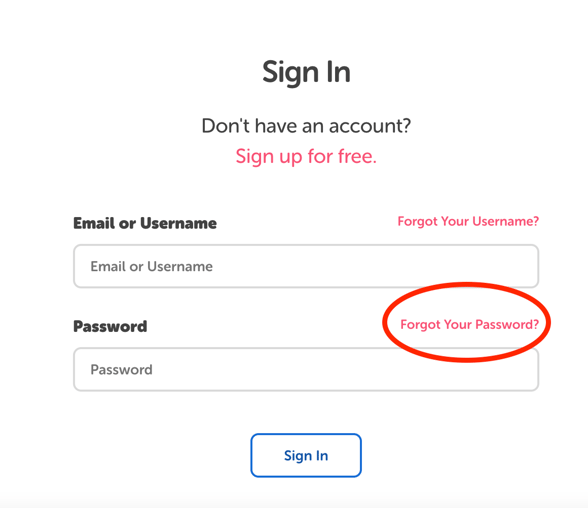
On the Sign In page, click “Forgot Your Password?”
-
On the next page, enter the email or username attached to your account and click “Reset Password.“
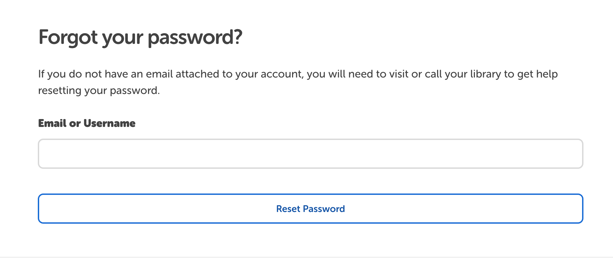
Note: You will only receive an email to reset your password if there is an email address associated with your account. If there is not an email attached to the account, you will be prompted to contact a librarian to assist with the reset.