

Tags: Reports & Insights, Insights, Reports
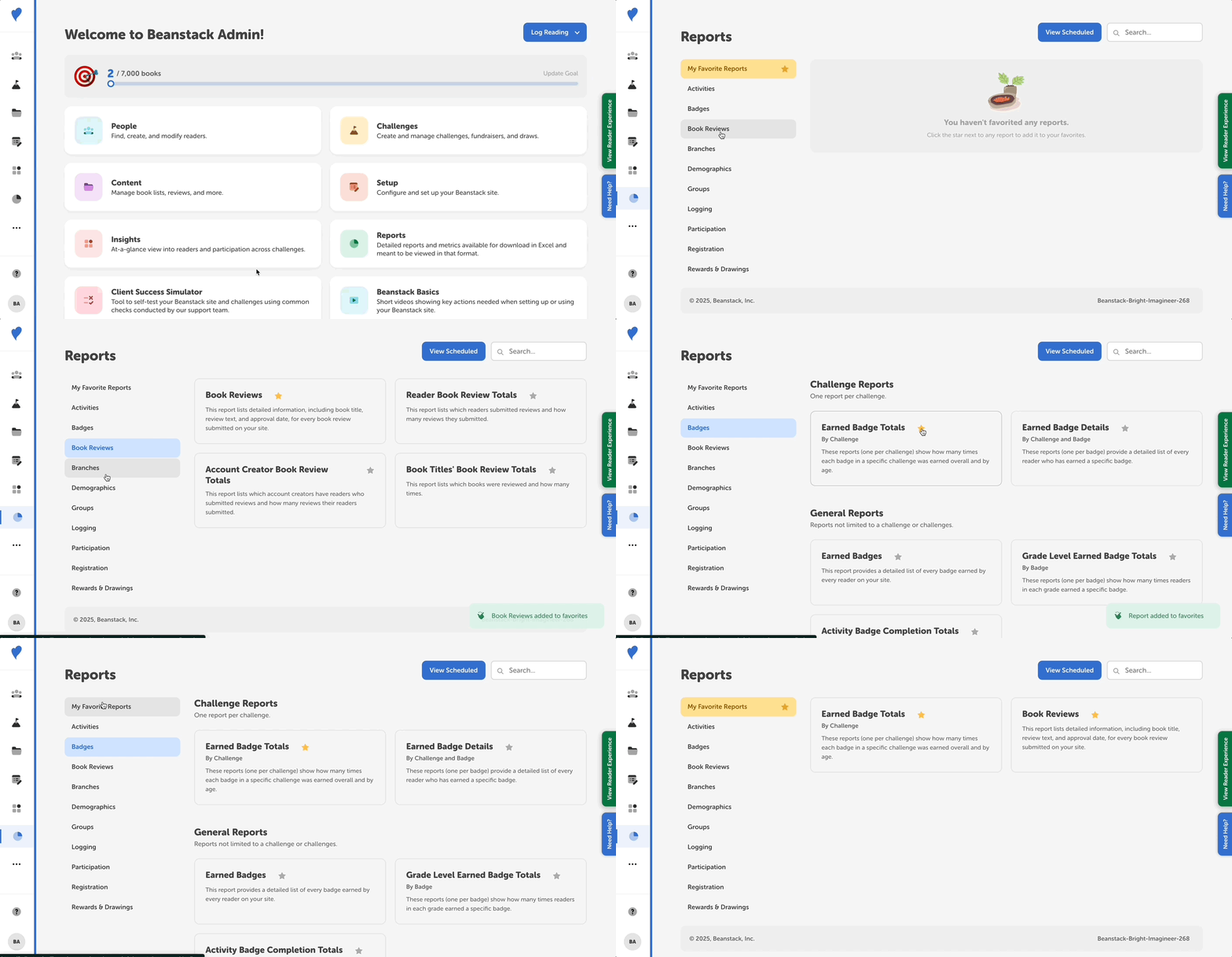
If you use or plan to use a report multiple times, you can mark it as a favorite to make it more easily accessible.
-
Log in to the admin view of your site.
-
Go to Reports and select one of the report categories on the left.
-
Click the star next to the report name(s) and see it turn yellow to indicate that it has been favorited.
-
Select the “My Favorite Reports” category to find all your favorited reports.
-
You can remove a report from your favorites by clicking the star again, and it will turn back to gray.
-