

Tags: Registrations, Libraries, Setup
-
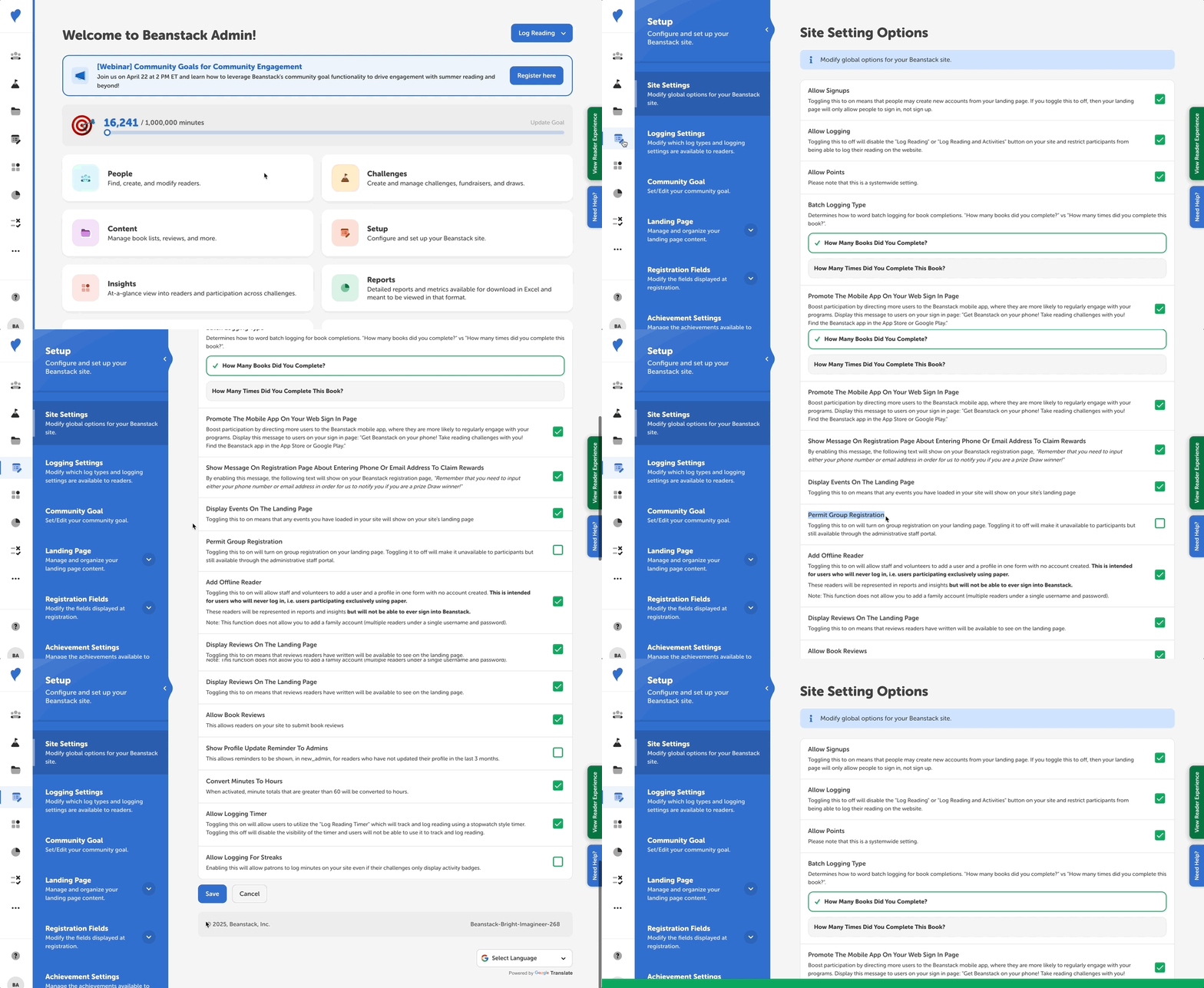
Log in to the admin view of your library site.
-
Go to Setup > Site Settings.
-
Find the “Permit Group Registration” option and check the box to its right to make group registration available to the public. Uncheck the box to make group registration unavailable to participants.
-
Click “Save.”
Note: Group registration is always an option through the admin view.