

Tags: Libraries, Readers, Schools, Challenges
Readers at schools and libraries can view the books, minutes, and activities they have logged for a specific challenge or for all time by looking at either a challenge log or their reading log.
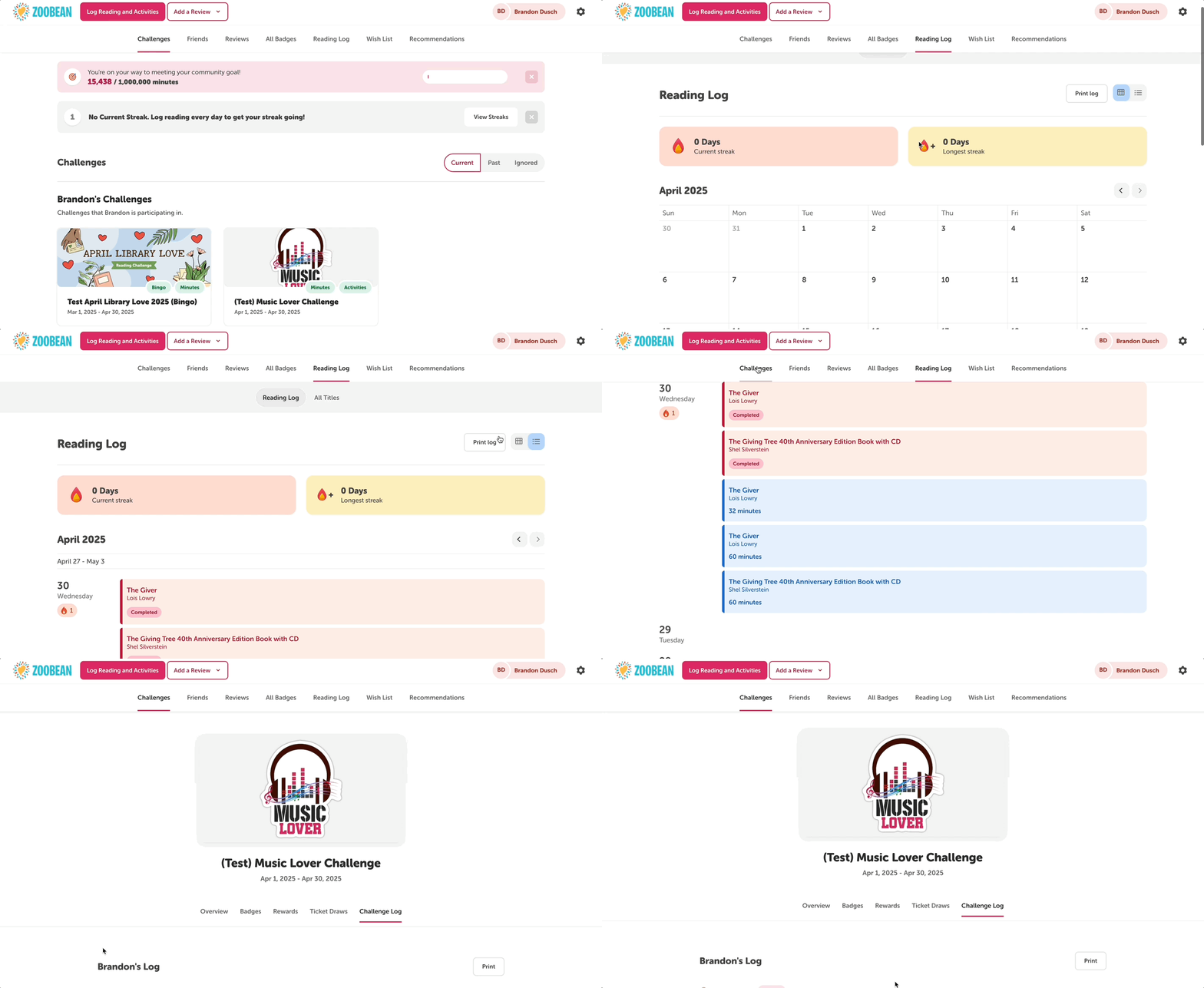
A specific challenge log shows reading completed during the period of the challenge only, and is accessed online by navigating to “Challenges,” clicking the desired challenge, and then clicking the “Challenge Log” tab.
A reader’s overall reading log will show all their logged reading. Readers can access this by clicking “Reading Log” in the navigation bar and selecting the “All Titles” tab. The “Reading Log” tab will display all of their reading for a given month in a calendar view.