

Tags: Logging, Students
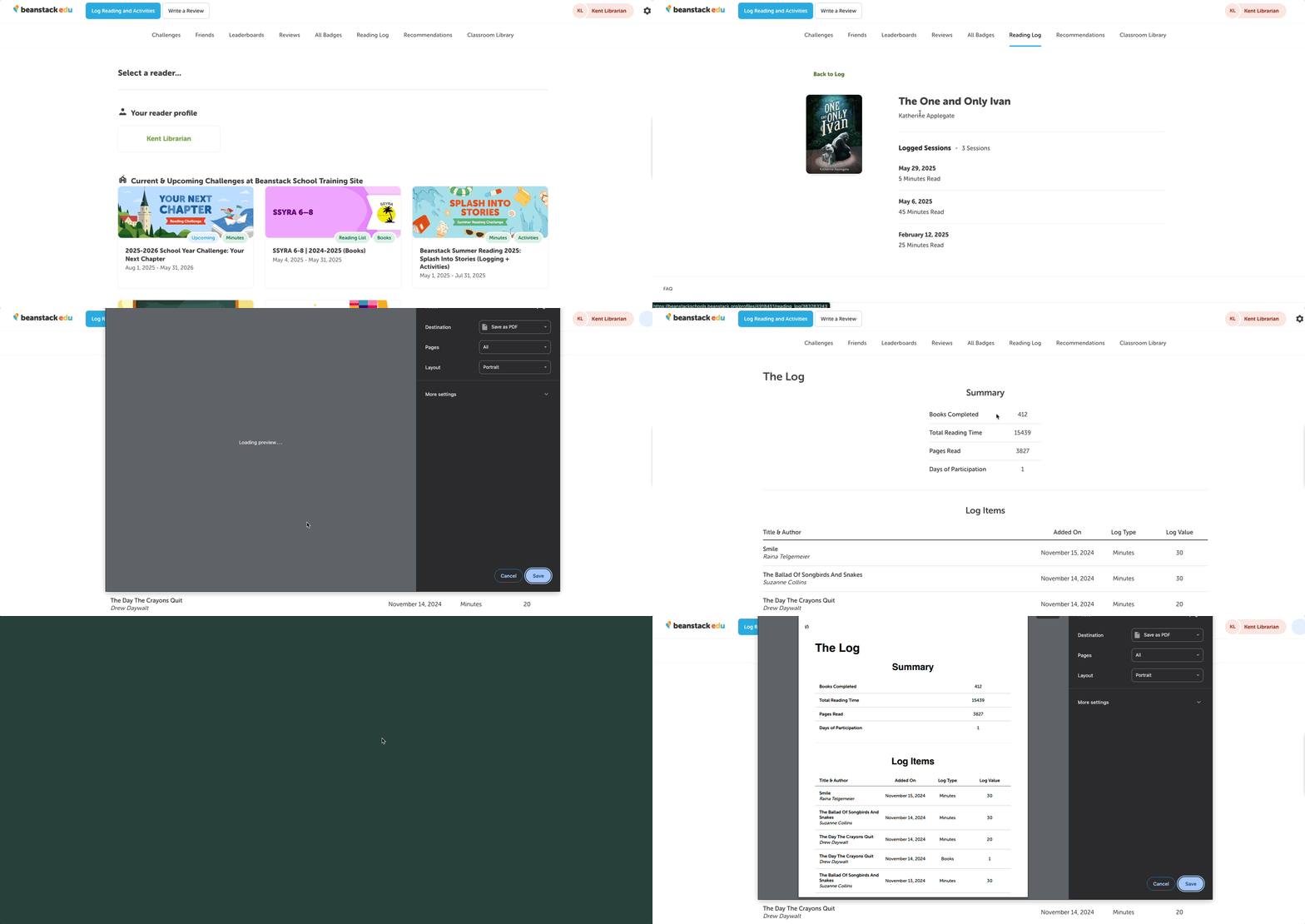
Students can access their previous reading by clicking “Reading Log” in the navigation bar.
-
From here, they can view their reading by month in the “Reading Log” tab or by title in the “All Titles” tab.
-
Students may also click on a specific item in the calendar or the book title to view more information about their reading sessions associated with that book.
-
From here, students can also edit and delete reading sessions for that book.
-
-
Finally, students can print a PDF of their overall reading log by clicking the “Print log” button in both the “Reading Log” and “All Titles” pages.