

Tags: Challenges, Libraries, Readers
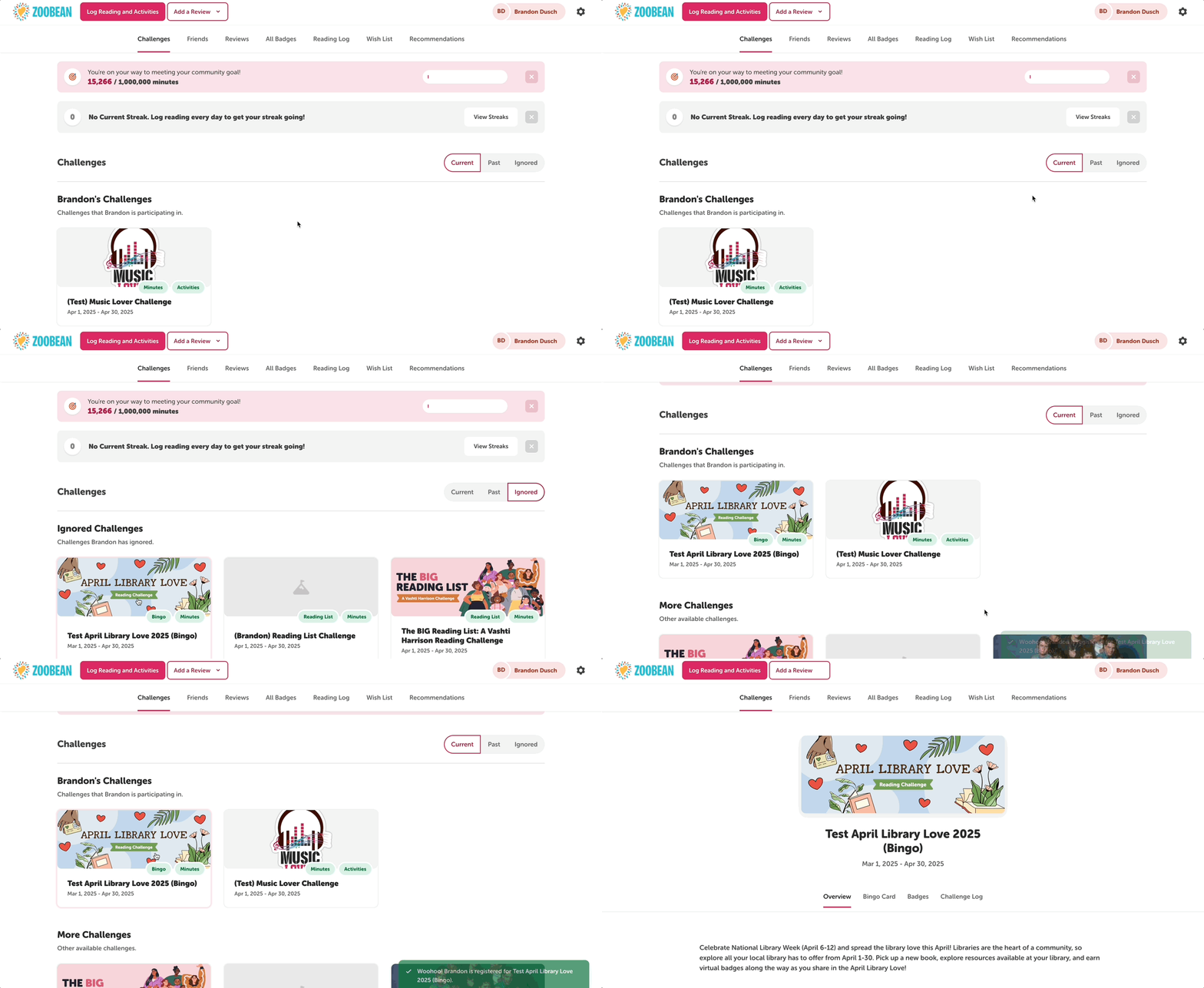
Sometimes readers may accidentally ignore a challenge that is available to them. If they decide they do in fact want to participate in the challenge they dismissed, instruct them to do the following:
-
Log in to their reader profile.
-
Click on the “Challenges” section.
-
Click over to the “Ignored” tab.
-
Click on the desired challenge, then click “Join Challenge.”
They’re all set!