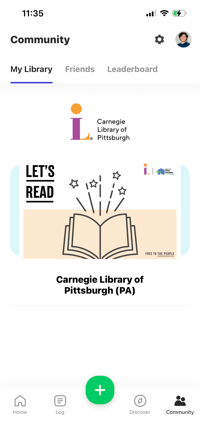
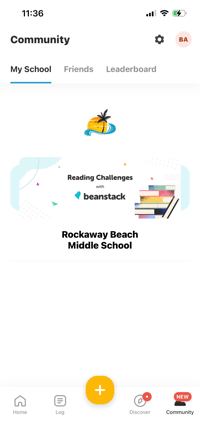
Beanstack is used by thousands of libraries and schools across the U.S. and the globe. To check out which library or school you are registered through while logged in on the mobile app, simply tap the “Community” icon at the bottom right corner of your screen. You will see your organization’s name, logo, and current banner, as well as any community goals or sponsors.