

Tags: Teachers, Rostering, Staff
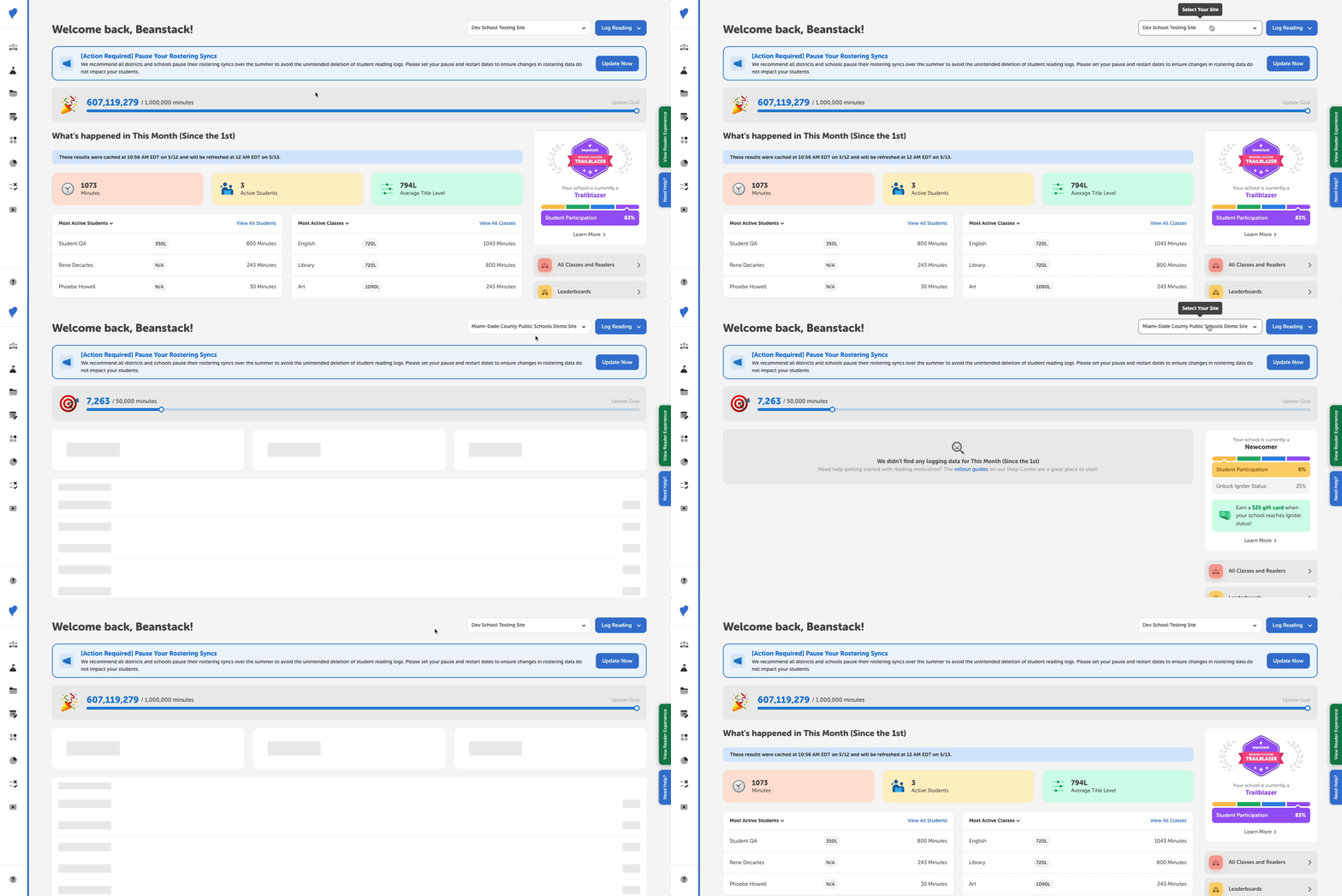 Staff members who teach at multiple schools and have accounts on multiple Beanstack sites in a school district are able to pick which school to access once logged in to one of those sites.
-
On your Beanstack admin dashboard, the current school site name displays in a dropdown at the top right if you are rostered to multiple schools within your district.
-
Clicking the dropdown lists all of the school sites you can access in alphabetical order. Selecting a different school switches you to that site's account and admin dashboard. Then you can access the classes and students rostered to you on that site!