
You can choose if you want visitors to your fundraiser’s community landing page to be able to search for participating readers to find and donate to their individual donor pages.
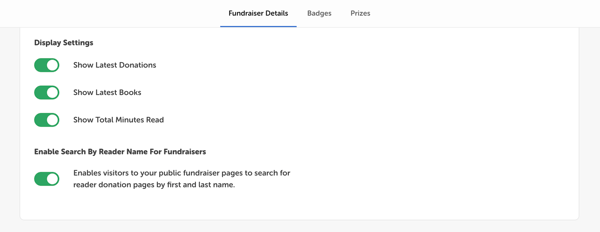
Within the Fundraiser Details tab, which is the first page of reading fundraiser setup, scroll down to the Landing Page section and locate the “Enable Search By Reader Name For Fundraisers” setting. Toggle this setting on or off and save your readathon.
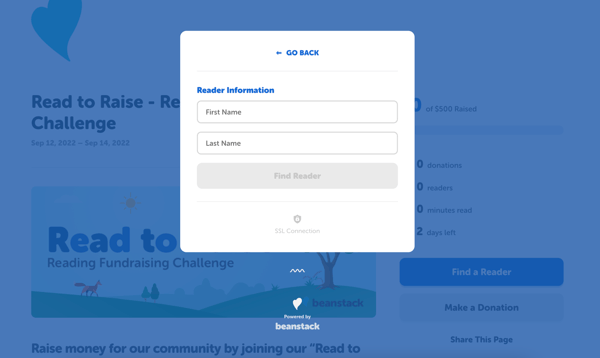
When your fundraiser is live with this setting enabled, the fundraiser’s community page displays a “Find a Reader” button. Clicking “Find a Reader” opens a pop-up window where visitors can input a reader’s first and last name to find and donate to their individual donation page.
When this setting is disabled, visitors cannot see the “Find a Reader” button. They can only find specific readers’ donation pages by getting the direct link either from the reader or the fundraiser administrator.