

Tags: Challenges, Activities, Libraries, Schools
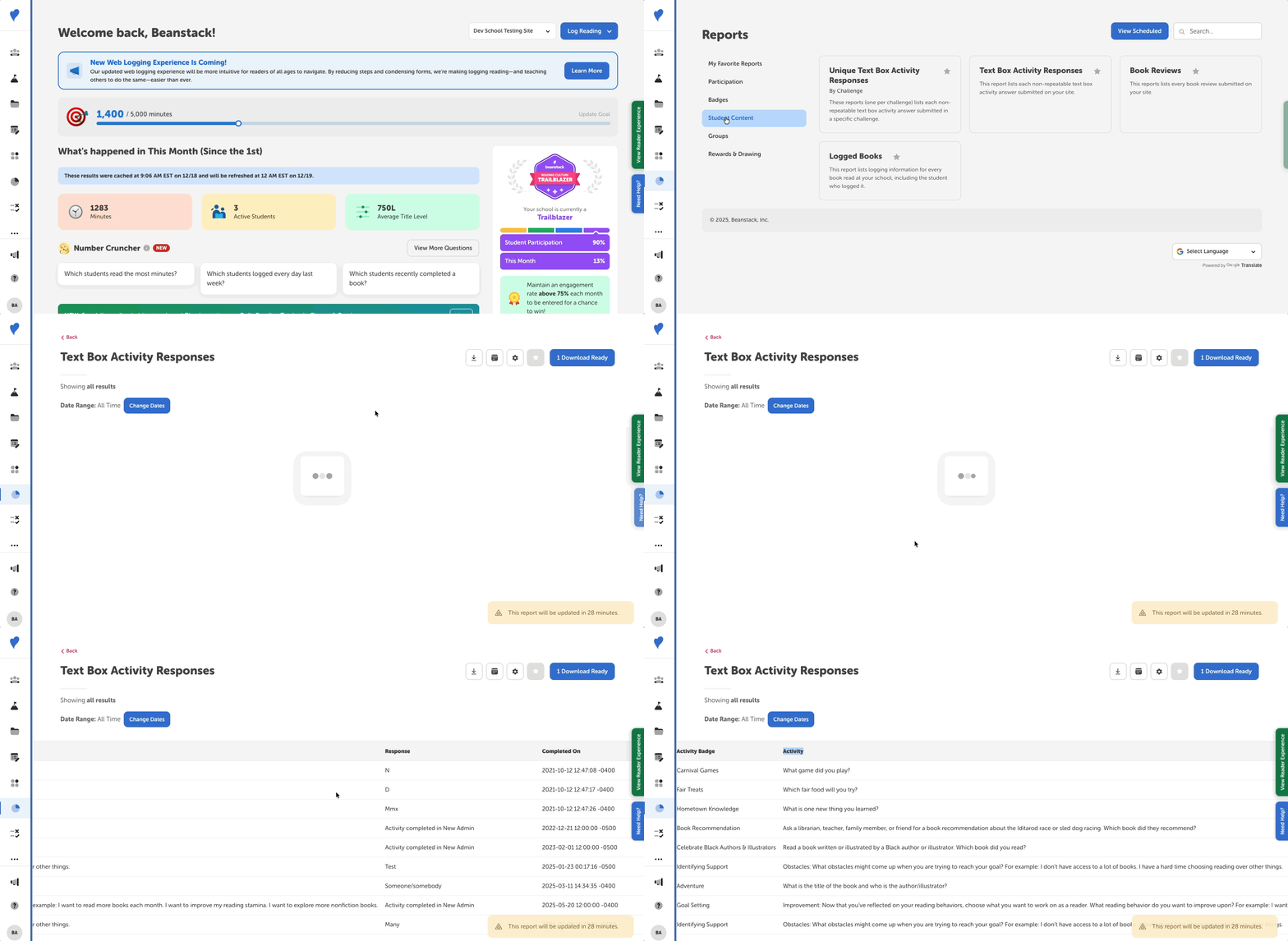 You can view your reader’s text box answers from challenge activities by doing the following:
-
Log in to the admin view of your site.
-
Navigate to Reports.
-
Find the “Unique Text Box Activity Responses (by Challenge)” or “Text Box Activity Responses” with the search bar at the top-right, or by navigating the following sections:
-
Libraries: Activities > Challenges/General Reports
-
Schools: Student Content
-
Note: For libraries, the “Repeatable Text Box Activity Responses” report is also available.
After selecting one of these reports, you’ll see columns for the activity and the text response. You can then download the report or schedule it to be sent to your email.