

Tags: Admins
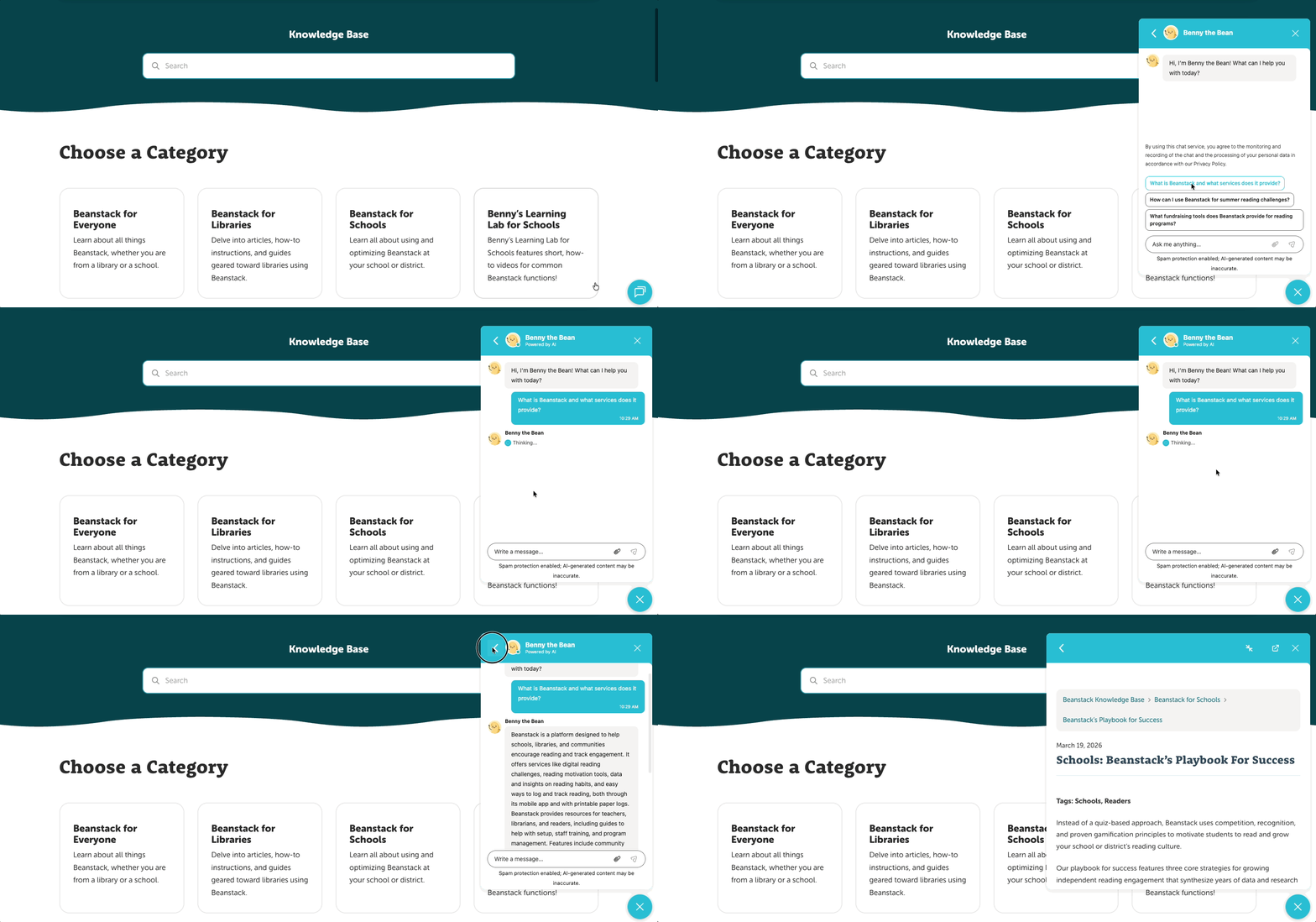 When seeking answers from our documentation or troubleshooting issues on your Beanstack site, you can find help from our mascot Benny the Bean!
Using the chatbot
Pulling up docs within the admin view
Using the chatbot
You can use our AI-powered chatbot anytime you are on the admin view of your site (web-only) or our documentation site (help.beanstack.com), by clicking the blue button located at the bottom-right of your screen.
Note: Our chat assistant is provided by HubSpot. When using it for the first time, you will need to agree to their terms about monitoring your chat history for quality assurance. For more information, please check out HubSpot’s Privacy Policy.
After clicking the button, you may ask Benny a question and he will attempt to provide an answer by citing information from our documentation. Here are a few pointers for a better experience with Benny:
- State whether you are from a school or a library.
- After sending a message, you may attach an image or other file that is no larger than 10 mb.
- Share as many details as possible (error text, name of challenge or report, etc.)
If you ever feel like you’re not getting a correct or accurate answer, don’t hesitate to ask Benny to speak with a human agent for further assistance! Alternatively, you may submit a ticket to our helpdesk and someone from our team will be ready to help.
Pulling up docs within the admin view
You can also use the live chat button bring up articles from our documentation without needing to exit the admin view! After clicking the blue button on the bottom-right:
- Click the white arrow near the top-left of the chat window.
- Near the bottom, click “Help.”
- Click on a category, followed by an article name to display it on the window.
- You can also use the search bar near the top!
Note: The article stops being displayed if you go to another screen on the admin view.