

Tags: Logging, Reading Integrity, Schools
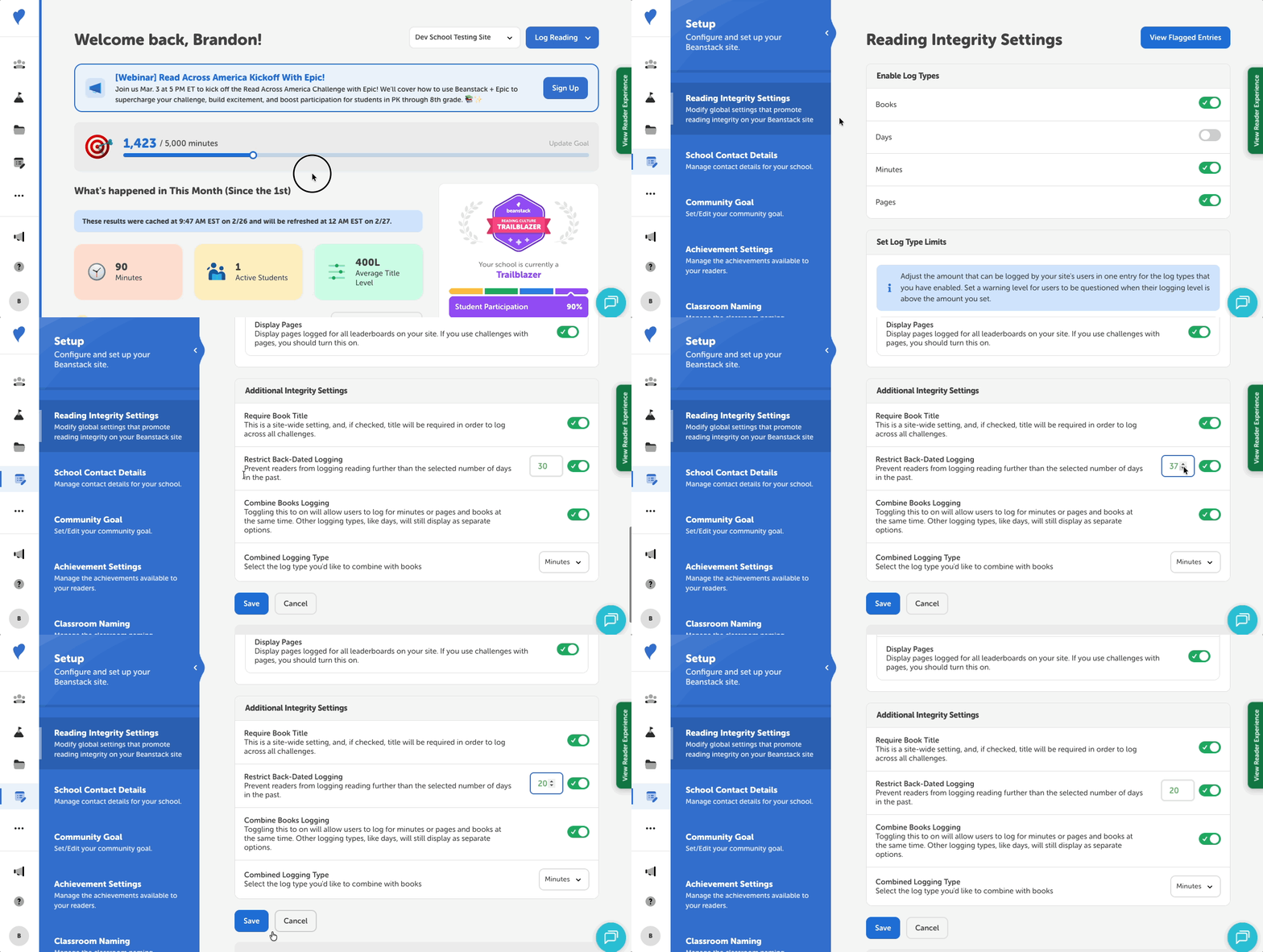 As a Media Specialist Plus, you can set how far back in the past your readers can backlog their reading. This allows for more flexibility in promoting honest logging at your school. Here’s how to set your school’s backlogging window:
-
Log in to the admin view of your school site.
-
Navigate to Setup > Reading Integrity Settings.
-
Scroll down to the “Additional Integrity Settings” section , near the bottom of the page.
-
Ensure that the “Restrict Back-Dated Logging” is turned on.
-
Set your backlogging window to between 1 and 90 days.
-
Click “Save.”
After saving, all readers on your site will not be able to backlog past the number of days you set.