

Tags: Classes & Readers, Staff, Starter Plan
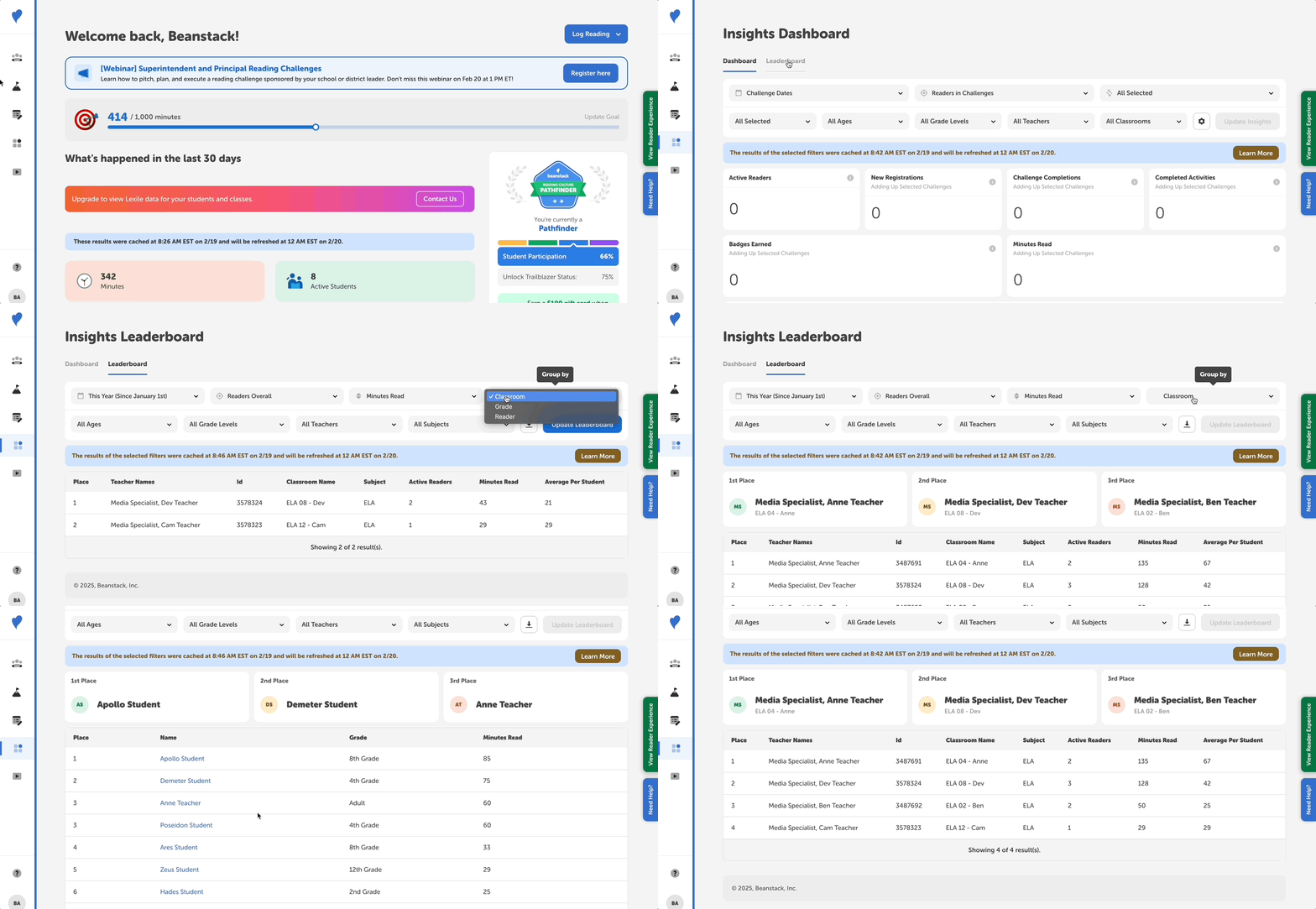 On the Starter Plan, teachers and admins can use the “Insights” tool to pull data on their top readers and classes. This makes running reading competitions, keeping tabs on your readers' standings, and announcing overall progress a snap. Insights and Leaderboards data both update once every 24 hours at midnight.
-
Start by logging onto your school’s admin account.
-
Next, head to the “Insights” section, followed by the “Leaderboard” tab. This displays an at-a-glance view of your school’s top readers.
-
From here, you can customize the data results by changing the date range, as well grouping by “Classroom” or “Reader”.
-
After changing these settings, select “Update Leaderboard” to update the results.
To learn more about leveraging “Insights” for your school, check out this article.
If you’d like to view more in-depth reports, such as Lexile insights, learn how to upgrade here.